Teacher trainingEN
Meet Workshopy — A Live, Interactive Product Tour
 WorkshopyOfficial
16 steps2 quizzes15 interactiveDiagram~120 min
workshopyproduct touronboarding
Used by 1 teacherBeginner
Live workshops for teachers & trainersThe live workshop platform for teachers & trainers
Students follow your lesson step by step on their phone and tap done or I’m stuck. You see who’s keeping up — and who needs you — in real time.
The problem
“Is everyone with me?”
Silence.
Workshopy shows you Workshopy replaces the guessing with a live view of every student, on every step.
What a class looks like, live
Interactive lessons, built with your AI app
Ask your AI app for a simulation. It lands in your lesson as a step — and every student plays with it.
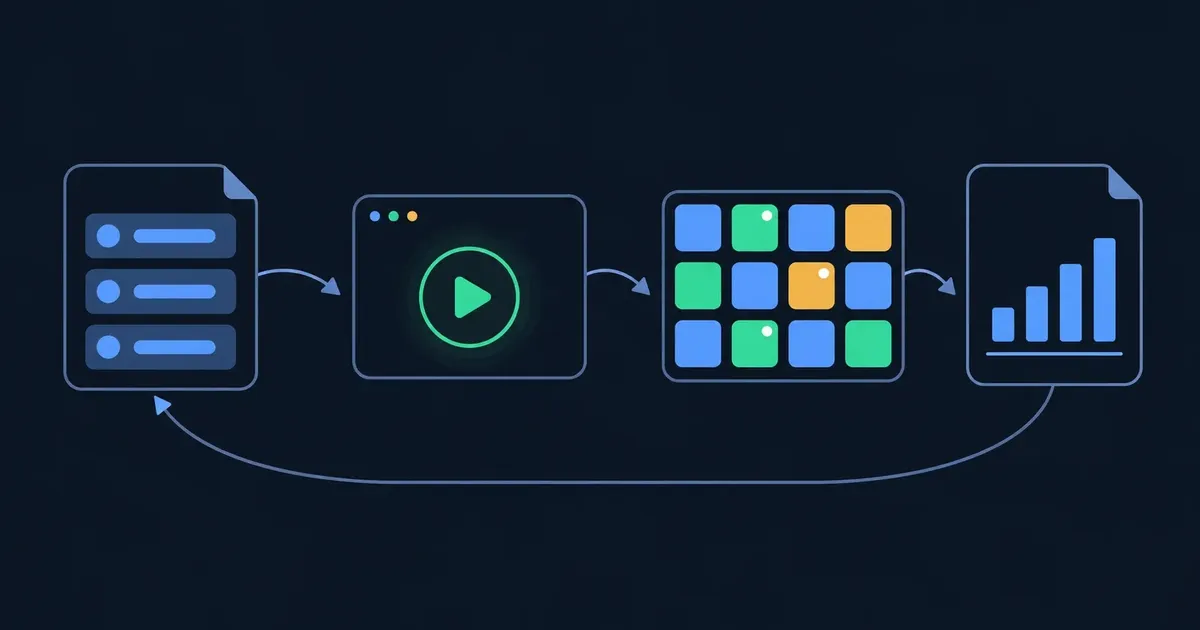
A short story that plays on a loop: a teacher asks their AI app to add a step to “Intro to Physics” where students drop a ball on the Moon, on Earth and on Jupiter. Workshopy adds it as step 3, and every student plays with it on their own screen. The student’s screen below works: try it.
From one sentence to your class
Every student runs their own copy, at their own pace, and taps Done when they get it. You watch the room turn green.Try it yourself
Press Drop all three and watch. Which ball lands first — and which stays in the air longest?
Press “Drop all three” and watch them fall.
Works with Claude, ChatGPT, Codex and Claude Code — and any app that connects to MCP servers.
How it works
Plain Markdown. # is a step.
No student accounts.
Help the right student first.
Lesson library
Hands-on lessons by teachers, free to use. Learn any lesson on your own, or copy it to your workspace and teach it live today.
WorkshopyOfficial16 steps2 quizzes15 interactiveDiagram~120 min
workshopyproduct touronboarding
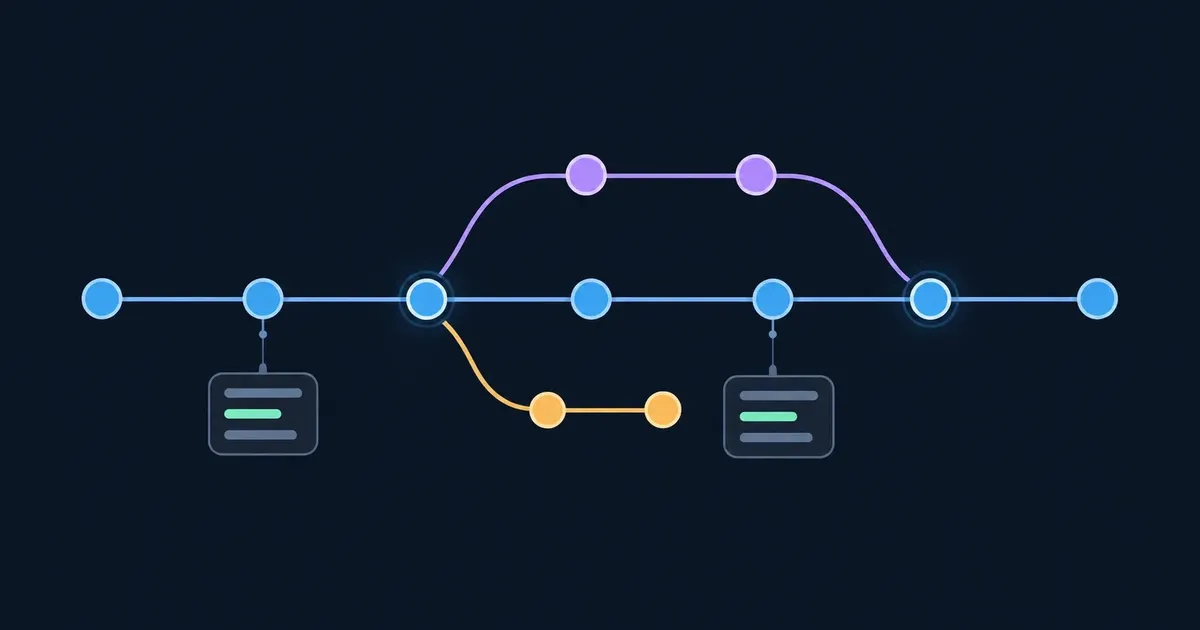
WorkshopyOfficial10 stepsQuiz9 interactiveDiagram~65 min
gitversion controlbeginners
WorkshopyOfficial9 steps2 quizzes9 interactive~60 min
scienceepidemiologybiology
Why it helps
Spot who’s stuckin seconds
Quiet studentsget a voice
Keep the pacepolls & broadcasts
Run it againwith your next group
45-minute sessions · 30 participants · 10 templates
AI: 50 requests a month · about 8 lessons
Sessions of any length · 200 participants · unlimited templates
AI: 200 requests a month · about 33 lessons
A new lesson from Create with AI uses 6 requests: 1 to plan it, 5 to write it. Help with Workshopy itself is free.
A live workshop platform: you write your workshop as one Markdown file, students join from any device with a 6-character code, and you see each student's progress — done, working or stuck — step by step, in real time.
No. Participants join a live workshop in seconds with a 6-character code from any device — no account, no install. You only need an account to create and host workshops.
No — it's standard Markdown, the same syntax you already know from GitHub or your notes. Each top-level # heading starts a new step, and #[quiz] turns a step into a graded quiz. Since it's just text, you can write it yourself or have AI draft the whole thing.
Yes. A fenced block tagged interactive holds HTML, CSS and JavaScript — a sorting animation, a decision tree with sliders, a physics demo — and animation and graphics libraries are built in: anime.js, Rough.js, ECharts, PixiJS, D3, Chart.js, p5.js, Matter.js and Three.js, with buttons, sliders and tabs in the shadcn/ui look (Basecoat). An AI app connected to Workshopy can write one for you. Every student plays with their own copy in a sealed frame: no internet access, and no way into the page or anyone's account.
No. Participants join a live workshop in seconds with a 6-character code from any device — no account, no install. You only need an account to create and host workshops.
No — it's standard Markdown, the same syntax you already know from GitHub or your notes. Each top-level # heading starts a new step, and #[quiz] turns a step into a graded quiz. Since it's just text, you can write it yourself or have AI draft the whole thing.
Yes. A fenced block tagged interactive holds HTML, CSS and JavaScript — a sorting animation, a decision tree with sliders, a physics demo — and animation and graphics libraries are built in: anime.js, Rough.js, ECharts, PixiJS, D3, Chart.js, p5.js, Matter.js and Three.js, with buttons, sliders and tabs in the shadcn/ui look (Basecoat). An AI app connected to Workshopy can write one for you. Every student plays with their own copy in a sealed frame: no internet access, and no way into the page or anyone's account.
Yes. The free plan includes the full live experience: real-time progress dashboard, broadcasts, polls, raise-hand, comments, and session reports — for sessions up to 45 minutes with up to 30 participants.
Sessions up to 45 minutes, up to 30 participants per session, one live session at a time, 10 workshop templates, 250 MB of asset storage, and report history for 30 days. Pro raises every one of these.
Yes. Create with AI writes a whole lesson from your brief and your material, Ask AI helps you change it step by step, and the class AI helper answers students' questions about the step they're on — without their names. Free includes 50 AI requests a month and 100 student questions a month to the class AI helper; Pro includes 200 AI requests a month and 3,000 student questions a month to the class AI helper. Help with Workshopy itself is always free.
Participants mark each step as in progress, done, or stuck. Your dashboard updates live as it happens, so you can see who's on which step, who's finished, and who needs help — without interrupting the room.
Teachers, bootcamp instructors, corporate trainers, and workshop facilitators — anyone running live, instructor-led sessions where keeping the whole room on pace matters.
Session reports stay available for at least 30 days on the free plan and 12 months on Pro, and you can export them as Markdown at any time. Your workshop templates stay in your account until you delete them. We don't currently auto-delete older session data — if that changes, we'll announce it well in advance so you can export first.
Always. Every workshop is plain Markdown — export any template as a single .md file in one click, and export session reports as Markdown too. There's no proprietary format and no lock-in: what you import is what you can take back out.
Free, no credit card.Set up your first workshop in minutes — free, no credit card.