OtherEN
Intro to Git — Snapshots, Branches & Sharing
 WorkshopyOfficial
10 stepsQuiz9 interactiveDiagram
gitversion controlbeginners
Used by 1 teacherBeginner
Design thinking workshop activities for teams: interview, map, define, ideate with Crazy 8s, dot vote, prototype and test, each timed with a template.
WorkshopyOfficial
78 lessons · used by 2 teachers
Sign in to copy it to your workspace. It’s free.
10 steps · 2 quizzes · open any step, or read it here
This design thinking workshop gives your team hands-on activities for every stage of design thinking: you interview, sort, define, sketch, vote, prototype and test, each with a timer and a template. You will run one small project from start to finish: making a new colleague's first week better.
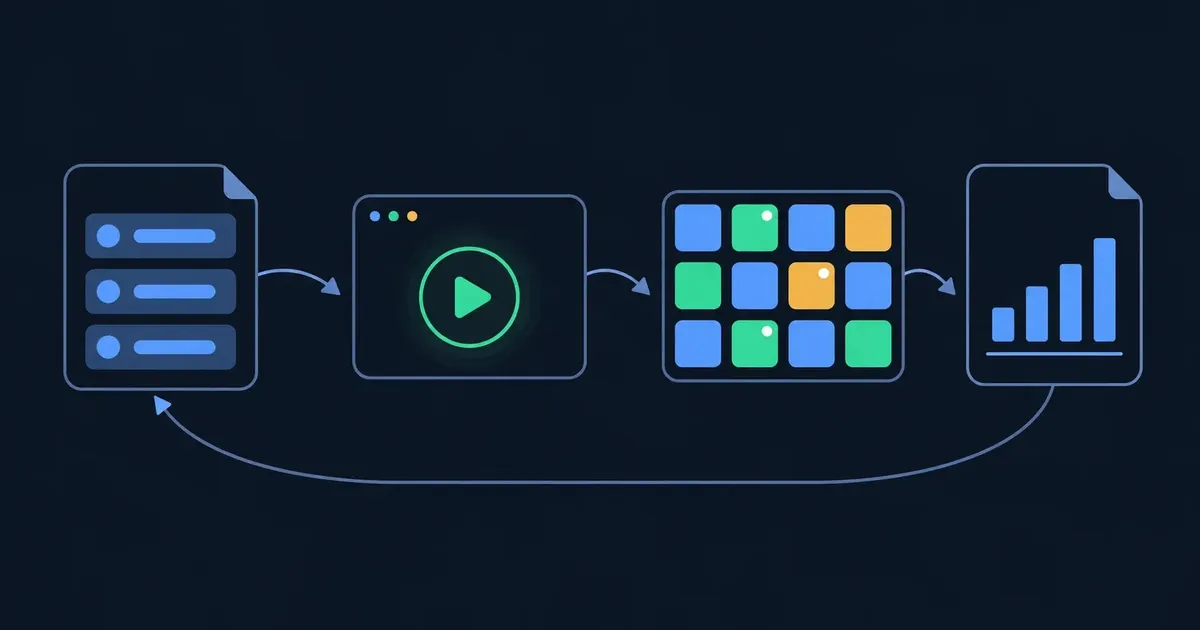
Design thinking is a way to solve problems by starting from the people who have them. The Stanford d.school (the Hasso Plattner Institute of Design) describes it in five modes: Empathise, Define, Ideate, Prototype and Test. They are modes, not a staircase: a test often sends a team back to an earlier mode, and that is the process working.
Try it: press Play a project and watch where the team goes after its first test.
Interactive · The five modes, and the loop back — try it in the lesson
In this lesson you'll:
It takes about 75 minutes. Work in pairs: one running example in the lesson (Dana, a finance analyst in her first week), and your partner for the real thing.
Takeaway: design thinking is five modes you move between, starting from people, with a test that tells you where to go next.
The best-known way to teach design thinking in one session is the d.school's crash course, the Wallet Project (and its twin, the Gift-Giving Project). Pairs redesign something for their partner: they interview each other, dig deeper, define the partner's need, sketch many ideas, build a rough prototype and test it with the partner. It goes through every mode in about an hour, so people feel the whole cycle once instead of hearing about it.
You can run the same shape on any problem your team has, as long as there is a lot to learn by talking to someone. In this lesson the topic is a new colleague's first week; at work it could be filing an expense claim, booking a meeting room or handing over a customer.
Three habits make it work:
Try it: pick Crazy 8s, turn on practice speed and press Start. Then look at the whole plan: which activity would you cut first if you had only 45 minutes?
Interactive · Facilitator timer and plan for a 70-minute workshop — try it in the lesson
The timings are a suggestion for a 70-minute run, not the d.school's. A longer workshop gives the extra time to Empathise and to a second round of Prototype and Test.
Takeaway: run the whole cycle once in one session, with a visible timer and every activity done both ways.
The first mode is about the person, not the solution. In a short interview you want stories: what happened, in order, the last time they did the thing you are designing for. Stories show you what people actually do; opinions show you what they think they should say.
Questions that open a story start with tell me about, walk me through or show me. Questions that close it down can be answered with yes or no, suggest a solution, or carry their answer inside them.
Then dig deeper. When the person mentions a feeling or a strange detail, ask about it: What was that like? Why? The useful thing is usually two or three questions below the first answer.
Try it: sort the six questions, then interview Dana: choose the follow-up that keeps her talking, twice.
Interactive · Interview questions: open a story or close it down — try it in the lesson
Now run it for real: Partner A interviews B for 4 minutes about their first week in their current job, then switch. The listener writes notes, one fact or quote per line.
Takeaway: ask about a real, recent time, then follow the feeling: the insight is below the first answer.
After the interview you have a page of notes. An empathy map sorts them into four boxes around the person:
The empathy map comes from Dave Gray and his team at XPLANE, and the says / thinks / does / feels version is the one most teams use. Its value is in the gaps between the boxes: a person who says everyone was friendly and thinks asking again looks lazy is telling you something no single note says.
Try it: tap a note, then tap the box it belongs in. Use Hint when you are not sure.
Interactive · Empathy map for Dana's first week — try it in the lesson
Make your partner's map on paper or on a board: one note per item, then look for two boxes that disagree.
Takeaway: sort what you heard into says, thinks, does and feels, then look for where they contradict each other.
The Define mode turns what you learned into one problem worth solving. The d.school's format is a point-of-view statement (POV):
[User] needs [need] because [insight].
A good POV is narrow enough to act on and still leaves room for many solutions. If your partner reads it and says "yes, that's me", it works.
Try it: build Dana's statement. Choose one option for each part; the wrong ones explain themselves.
Interactive · Point-of-view statement builder — try it in the lesson
Now write your partner's POV in one sentence and read it to them.
Takeaway: a point of view is user + need (a verb) + insight (what surprised you).
Four questions on the first two modes.
Question 1. Which question is most likely to get a story from the person you interview?
Question 2. In an empathy map, where does "Searched the intranet for the expense form three times" go?
Question 3. Which point-of-view statement has a need, not a solution?
Question 4. A team's test shows that the prototype solves the wrong problem. What does design thinking say about going back?
Ideas come more easily from a question than from a problem. The Ideate mode starts by turning the point of view into a How might we question (HMW): How says there is an answer, might that it's fine if this one doesn't work, we that the team owns it. The phrasing is usually traced to Min Basadur at Procter & Gamble in the 1970s, and IDEO and the d.school spread it.
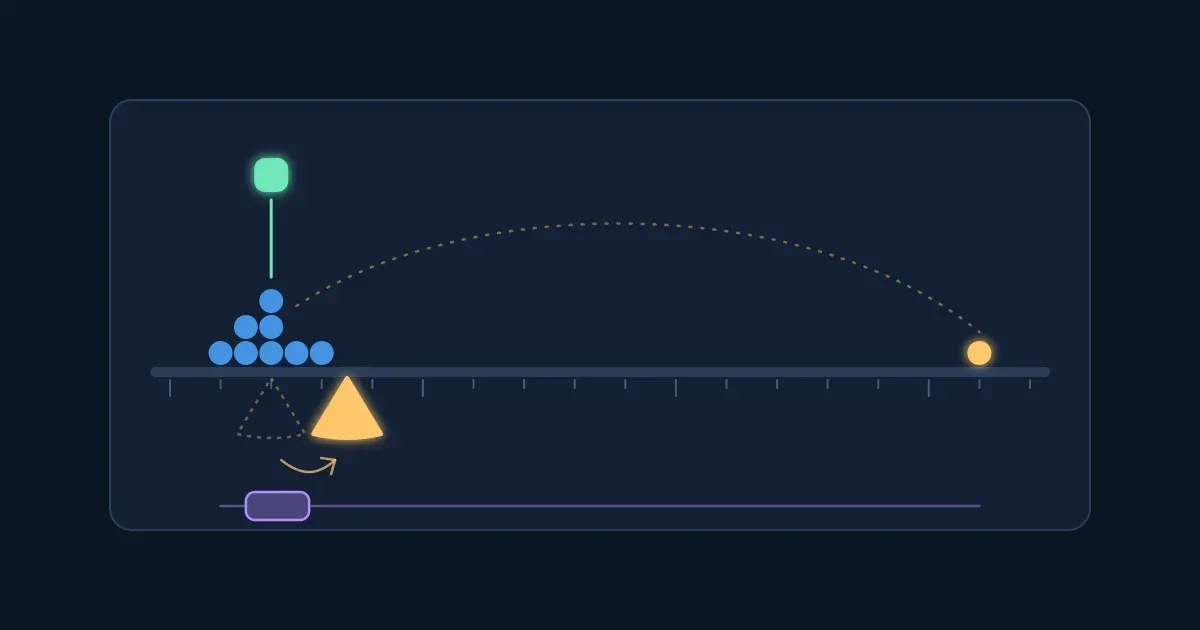
The size of the question decides the ideas you get. Too narrow and the answer is inside it ("How might we get Dana a laptop sooner?"). Too broad and nobody knows where to begin ("How might we improve onboarding?"). The right size leaves room for many different ideas and still points at what you learned.
Try it: move the slider from narrow to broad and watch how many ideas each question leaves room for. Then try the buttons: each is one way to write a new HMW from the same point of view.
Interactive · How wide is your How might we question? — try it in the lesson
Write three HMW questions from your partner's POV, then keep the one that would give your team the most different ideas.
Takeaway: a good How might we question is wide enough for many ideas and narrow enough to start.
The first idea anyone has is the obvious one. Crazy 8s, a method from Google Ventures' design sprint, gets past it: fold a sheet of paper into eight panels and sketch one idea in each, one minute per panel. The timer is the point: there is no time to judge, so the third, fifth and eighth ideas come out, and those are often the interesting ones.
Rules that keep it working:
Try it: press Start the round (the practice round gives 20 seconds a panel) and write one idea in each panel, then star your best.
Interactive · Crazy 8s: one idea per panel — try it in the lesson
Now run a real round on paper, 1 minute a panel, on your own HMW question. Then each person shows their starred idea to the group in one minute.
Takeaway: eight timed panels get you past the first, obvious idea.
Now the team has dozens of ideas and needs one to prototype. A dot vote finds where the group already agrees, fast: everyone gets the same small number of dots (often three) and puts them on the ideas they would build. Two rules matter:
Try it: give your three dots to the ideas you would prototype, then reveal the team's dots. Did you vote with the room?
Interactive · A silent dot vote on six ideas — try it in the lesson
In your group, put all starred ideas on the wall, vote with three dots each, and choose one to prototype.
Takeaway: vote silently and all at once, then let one person decide.
A prototype is anything a person can react to: a paper sketch, a role-play, a cardboard model, a fake screen. Its job is to answer a question ("would Dana use a who-to-ask map?"), not to look finished. The rougher it is, the cheaper it is to throw away, and the more the tester talks about the idea instead of the colours.
For a service or a process, role-play is often the fastest prototype: one person plays the map, the welcome email or the buddy, the other plays the user.
Try it: move the slider from a paper sketch to a finished-looking page. Watch the time to make it and what the tester talks about.
Interactive · How polished should a prototype be? — try it in the lesson
Build your prototype for your partner in 10 minutes, with paper, sticky notes or a role-play. If it isn't ready when the timer ends, it was too polished.
Takeaway: build the roughest thing a person can react to, and stop when the timer ends.
In the Test mode the maker puts the prototype in front of the user and mostly stays quiet. Let them use it, ask them to think aloud, and resist explaining: every explanation you give is a gap the real thing would have.
Write the feedback in three columns, a d.school method called I like, I wish, What if:
Then decide where to go: if the likes say the idea works and the wishes say what to change, prototype again and test again. If the test surprised you about the need itself, go back to Empathise or Define.
Try it: sort what the tester said into the three columns, then choose where the team goes next.
Interactive · Feedback grid: I like, I wish, What if — try it in the lesson
Test with your partner: 4 minutes each way. Then a 7-minute debrief with the whole group: what surprised you, where did your idea change, and where could you use this at work next week? Take out the sketch from the warm-up and compare.
Takeaway: test quietly, sort what you hear into I like, I wish, What if, and let it tell you which mode comes next.
Six questions on the whole workshop.
Question 1. What is wrong with "How might we improve onboarding?" as a How might we question?
Question 2. What is the main reason Crazy 8s gives one minute per panel?
Question 3. Why should a dot vote be silent and all at once?
Question 4. A team spends two days building a polished prototype. What is the likely cost?
Question 5. A tester says: "Could the map come with the welcome email?" Which column does it go in?
Question 6. Which of these are good practice in a design thinking workshop? (pick all that apply)
Workshopy shares this lesson under CC BY 4.0. Anyone may use and change it, with credit to you. Anyone can learn it here, free. A copy in your workspace is yours to change and run live; your students never need an account.
Version 1Current
· First published
Copies are made from the current version. A copy you already have doesn’t change.
WorkshopyOfficial10 stepsQuiz9 interactiveDiagram
gitversion controlbeginners
WorkshopyOfficial16 steps2 quizzes15 interactiveDiagram
workshopyproduct touronboarding
WorkshopyOfficial10 steps2 quizzes10 interactive
data-literacystatisticsmean and median
WorkshopyOfficial10 steps2 quizzes10 interactive
designweb accessibilitywcag
WorkshopyOfficial10 steps2 quizzes9 interactive
designusability testingthink-aloud
WorkshopyOfficial9 steps2 quizzes9 interactive
designcoloraccessibility
Comments
No comments yet. Be the first to say how it went.